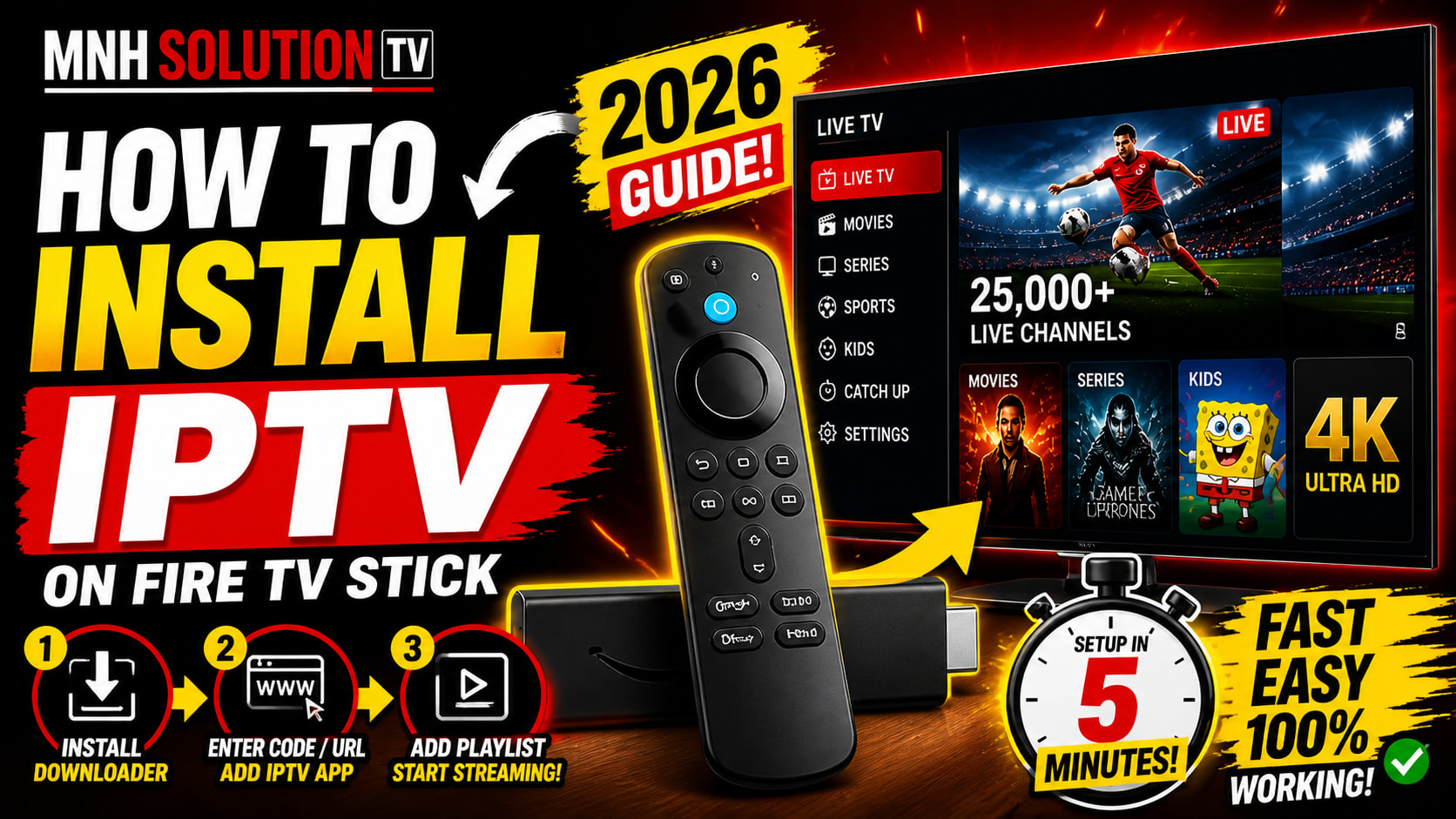
How to install iptv fire tv stick in 2026
The Amazon Fire TV Stick is one of the most popular devices for streaming IPTV content — and for good reason. It’s affordable, easy to use, and supports all major IPTV apps. In this guide, we’ll walk you through exactly how to set up your MNHSOLUTION IPTV subscription on your Fire TV Stick in under 5 minutes.
An Amazon Fire TV Stick (any model), a stable internet connection (10 Mbps+ recommended for HD/4K), your MNHSOLUTION credentials (sent via WhatsApp after purchase), and about 5 minutes of your time.
Step 1: Enable Apps from Unknown Sources
By default, Fire TV Stick only allows apps from the Amazon App Store. To install IPTV players, you first need to enable “unknown sources.”
Go to Settings → My Fire TV → Developer Options → Apps from Unknown Sources and toggle it ON. You’ll see a warning — click “Turn On” to confirm.
Step 2: Install the Downloader App
The Downloader app is your gateway to installing any APK on Fire Stick. It’s free and available directly in the Amazon App Store.
Go to the Search icon on your Fire Stick home screen, type “Downloader”, and install the first result (orange icon). Open it and allow storage access when prompted.
Step 3: Download IPTV Smarters Pro
IPTV Smarters Pro is the most reliable IPTV player for Fire Stick — it supports M3U playlists, Xtream Codes API, and has a clean EPG (Electronic Program Guide).
In the Downloader app, enter this URL: https://www.iptvsmarters.com/smarters.apk — then click Go. The APK will download in seconds. Click “Install” when prompted, then “Open.”
Alternatively, search “IPTV Smarters” directly on the Fire Stick App Store — it’s sometimes available there too, which saves the manual install step.
Step 4: Log In with Your MNHSOLUTION Credentials
Once IPTV Smarters is installed and open, you’ll see a login screen. This is where you enter the credentials we send you via WhatsApp after your purchase.
Select “Login with Xtream Codes API”. Enter your Username, Password, and Server URL exactly as provided. Tap “Add User”.
Step 5: Start Watching
That’s it! Your channel list, VOD library and EPG will load automatically. You’ll have access to 25,000+ live channels, 120,000+ movies and series in up to 4K quality.
Troubleshooting: Common Fire Stick IPTV Issues
Buffering or freezing
This is almost always a Wi-Fi issue. Move your router closer to the Fire Stick, or use an Ethernet adapter (~$15). Close background apps by holding the Home button and navigating to “App Management.”
Channels not loading
Check that your subscription is active. If it just expired, message us on WhatsApp and we’ll renew it within minutes.
App crashes on startup
Clear the app cache: Settings → Applications → Manage Installed Applications → IPTV Smarters → Clear Cache, then restart.
Which Fire Stick Models Are Compatible?
MNHSOLUTION works on all Fire TV Stick models:
- Fire TV Stick (1st, 2nd, 3rd gen) — HD streaming
- Fire TV Stick 4K and 4K Max — Ultra HD / Dolby Vision
- Fire TV Stick Lite — great budget option
- Fire TV Cube — best performance for 4K
Ready to Get Started? 🔥
Get your MNHSOLUTION subscription and be watching in under 10 minutes. Plans start at just $9.99/month.
💬 Order via WhatsApp