Nothing kills the mood faster than your favorite show freezing at a critical moment. IPTV buffering is one of the most common complaints among streamers — but in most cases, it’s completely fixable in under 10 minutes. This guide covers every real cause of IPTV buffering fix and exactly what to do about each one.
If other video streaming apps (YouTube, Netflix) work fine on your device, the issue is almost certainly your IPTV provider or app settings. If everything is slow, it’s your internet connection. Keep reading for the fix either way.
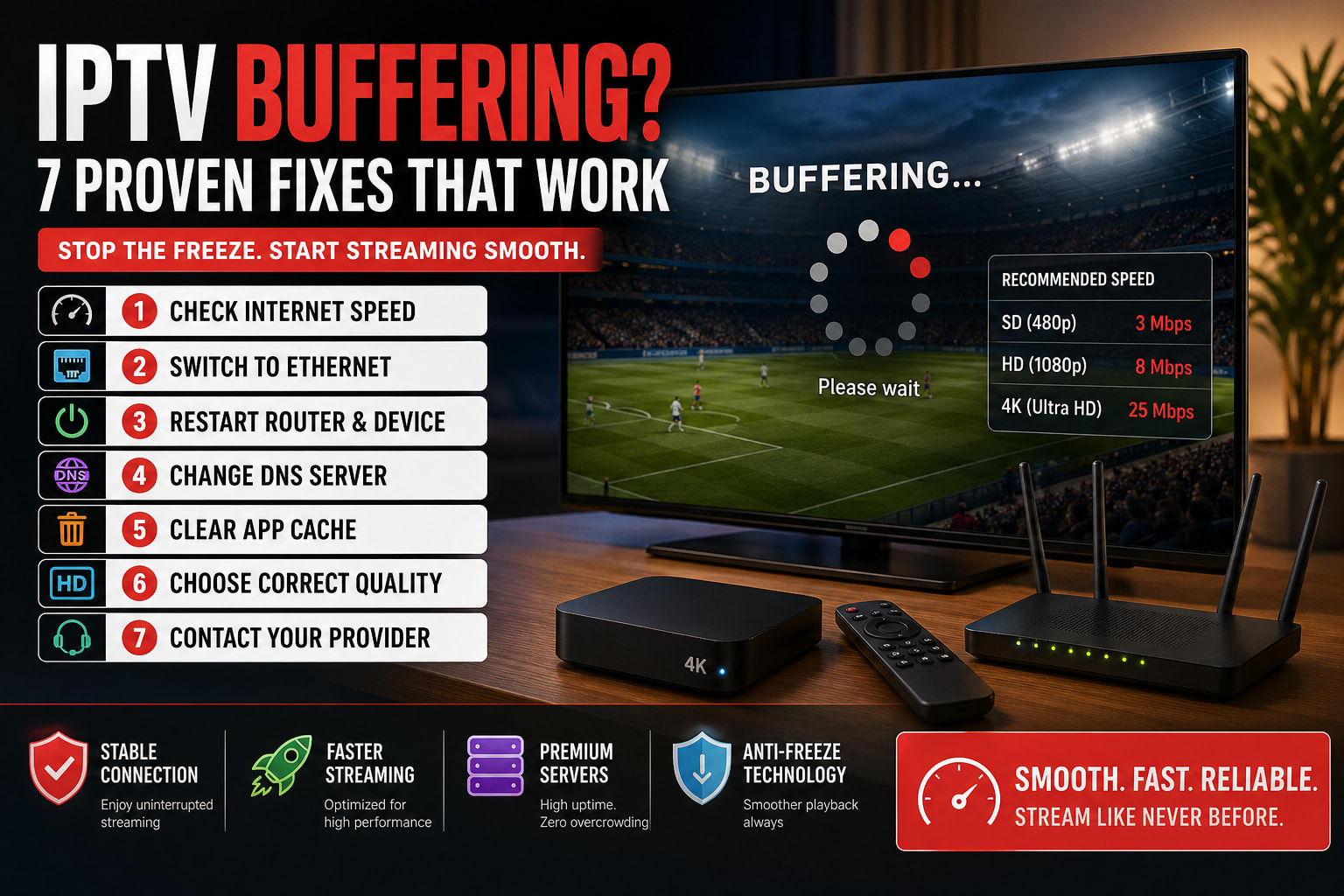
Fix 1: Check Your Internet Speed
IPTV is bandwidth-intensive. If your connection is too slow or unstable, buffering is inevitable.
| Stream Quality | Minimum Speed Needed | Recommended |
|---|---|---|
| SD (480p) | 3 Mbps | 5 Mbps |
| HD (720p/1080p) | 8 Mbps | 15 Mbps |
| 4K Ultra HD | 25 Mbps | 50 Mbps+ |
Run a speed test at fast.com or speedtest.net. If your speeds are lower than expected, contact your ISP or try streaming at a lower quality setting first.
Fix 2: Switch from Wi-Fi to Ethernet
Wi-Fi is convenient but unstable — especially with multiple devices connected, thick walls, or long distances from your router. A wired Ethernet connection eliminates packet loss and provides consistent speeds.
Get the Amazon Ethernet Adapter for Fire TV (~$15). Plug it into your Fire Stick’s micro-USB port, connect an Ethernet cable, and instantly get a wired connection, and then the IPTV buffering fix
Most have an Ethernet port built in. Simply plug in a cable and disable Wi-Fi in settings. Buffering will drop dramatically in most cases.
Fix 3: Restart Your Router & Device
It sounds basic, but it works. Routers can develop memory leaks and congestion over time, leading to slower speeds for all connected devices.
- Unplug your router from the power outlet
- Wait 30 seconds (important — don’t rush this)
- Plug it back in and wait for full restart (~60 seconds)
- Restart your streaming device as well
- Open your IPTV app and test
Fix 4: Change Your DNS Server
Your ISP’s default DNS server may be slow or may be throttling streaming traffic. Switching to a fast public DNS can make a noticeable difference.
Google DNS: 8.8.8.8 and 8.8.4.4
Cloudflare DNS: 1.1.1.1 and 1.0.0.1 (fastest)
OpenDNS: 208.67.222.222
Go to your device’s network settings, find your Wi-Fi connection, and manually enter one of these DNS addresses under “Advanced” settings.
Fix 5: Clear App Cache
Over time, IPTV apps accumulate cached data that can slow down performance and cause freezing.
Settings → Applications → Manage Installed Applications → [Your IPTV App] → Clear Cache. Do this once a week for best performance, then IPTV buffering is fix
Inside the app, go to Settings → Clear All Data, then re-enter your credentials. This often resolves persistent buffering issues.
Fix 6: Choose the Correct Stream Quality
Most IPTV providers including MNHSOLUTION offer the same channel in multiple quality levels (4K, FHD, HD, SD). If your connection can’t support 4K, forcing it will cause constant buffering.
In your IPTV player settings, look for “Stream Quality” or “Preferred Quality” and set it to HD instead of 4K. You’ll get smooth playback without a noticeable quality hit on most screens.
Some ISPs throttle streaming traffic during peak hours (evenings, weekends). A VPN can bypass this. However, a slow VPN server can also make buffering worse. If you use a VPN, choose a server close to your physical location.
Fix 7: Contact Your Provider for a Server Check
If you’ve tried all of the above and still experience buffering, the issue may be on the provider’s end — overloaded servers, a stream that’s down, or your subscription needing a reset, then IPTV buffering is fix
At MNHSOLUTION, we monitor our servers 24/7. If a stream is buffering, our team can switch you to an alternate server or fix the issue within minutes. Just message us on WhatsApp with your username and the affected channel.
Summary: IPTV Buffering Fixes at a Glance
| # | Fix | Difficulty | How Fast It Works |
|---|---|---|---|
| 1 | Check internet speed | Easy | Immediate diagnosis |
| 2 | Switch to Ethernet | Easy | Instant improvement |
| 3 | Restart router & device | Easy | 2-3 minutes |
| 4 | Change DNS server | Medium | Within minutes |
| 5 | Clear app cache | Easy | Immediate |
| 6 | Lower stream quality | Easy | Instant |
| 7 | Contact your provider | Easy | Provider-dependent |
Still Having Issues? Switch to a Better Provider
If buffering persists regardless of your setup, the root cause is often a low-quality IPTV provider using overcrowded servers. MNHSOLUTION uses dedicated high-performance servers with anti-freeze technology — our uptime is 99.9% and we’ve never had a complaint we couldn’t solve.
Check our best IPTV apps
Zero Buffering Guaranteed ⚡
MNHSOLUTION runs on premium servers optimized for 4K streaming. If you ever experience an issue, our WhatsApp support team fixes it within minutes — 24/7.
💬 Switch to MNHSOLUTION